
Tracking
How to track which link brings Telegram sales
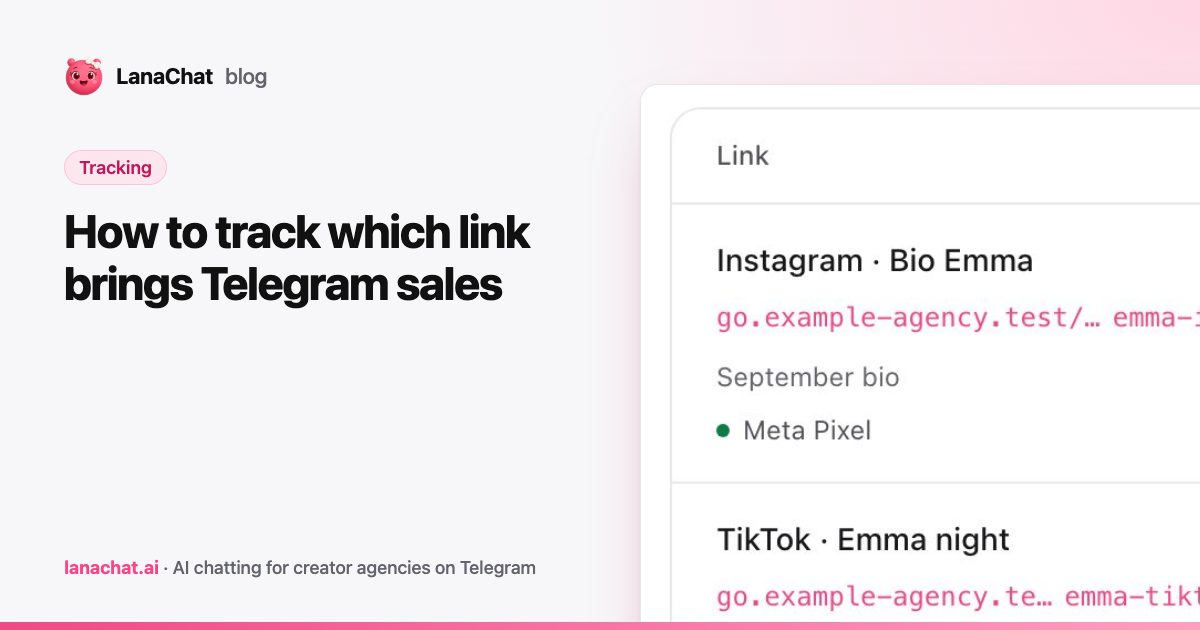
Telegram link tracking means giving every ad, story and bio its own link, then following each fan from the first click to the last purchase. Do that and you can read revenue per traffic source instead of guessing. This guide shows the setup we recommend, step by step, and the limits you should know about.
Why is Telegram link tracking hard?
Telegram does not tell you where a fan came from. A fan taps a link, lands in a chat, and from there it looks like any other conversation. If ten sources point to the same account with the same link, you only see the total.
That hides the thing you need most: which source pays. A story that brings many chats and no buyers looks the same as a bio link that brings a few chats and many buyers. You find out only when you stop paying for the wrong one.
The fix is simple. One source, one link.
What does a good tracking link setup look like?
Name links so you can read them in a year. A pattern like creator plus source works well.
- go.agency.com/lea-ig for Instagram
- go.agency.com/lea-tt for TikTok
- go.agency.com/lea-ads for paid Meta traffic
In LanaChat each link has a name (for you), a slug (the end of the link, in lowercase letters, numbers and dashes), a traffic source, an optional campaign and a Telegram destination. The destination is either one account or the creator's pool, which spreads new conversations across her accounts. If you are not sure what that means, read what a pool is.
UTM parameters are filled in from the source and campaign. Change them if your ads team has its own naming.
Do not reuse a link across two sources. The moment you do, the numbers blend and you cannot split them again.
Should you use your own domain?
Yes, if you can. A subdomain you own, such as go.youragency.com, looks more trustworthy and stays under your control. The LanaChat domain is always available too, so it is not a blocker.
The setup takes four steps.
- Add a subdomain you own. A root domain such as youragency.com cannot be used.
- Add the two DNS records shown: a CNAME to the LanaChat links host and a TXT record that proves the domain is yours.
- Press Check DNS. Changes can take a few minutes, sometimes up to 24 hours.
- Once it is verified, the SSL certificate is issued automatically.
Only verified domains can be used for new links. A domain still used by active links cannot be removed, so move those links first.
How are sales attributed?
LanaChat uses first-touch attribution: a fan belongs to the first link he clicked. A sale counts when it is a verified Telegram Stars purchase.
This has two consequences you should accept up front.
- A fan who clicked your TikTok link first and later your bio link counts for TikTok, even if the bio link was the last click.
- Conversations without an intact link token stay unattributed. If a fan finds the account some other way, that revenue is not tied to a link.
First-touch is simple and hard to argue with. It is not the only model, and it will not match every ad platform's own reporting. Treat it as your source of truth for revenue, and compare it to ad dashboards with that in mind.
What numbers should you read?
The links table adds up the links of your filter: clicks, conversations, buyers and revenue, with what each fan spends over time. The Analytics tab lets you pick 7, 30 or 90 days and shows:
- the daily trend of clicks, conversations and buyers;
- the funnel: clicks, started conversation, first message, buyer, with the rate of each step;
- clicks and revenue by source;
- the top 10 links of the period, with conversion rate, buyers, revenue and spend per fan.
You can export the day-by-day numbers as a CSV.
Read them in this order. First revenue per source, to see what pays. Then the funnel, to see where it leaks. A link with many clicks and few conversations has a landing problem. A link with many conversations and few buyers has a conversation or pricing problem, which is a job for the AI Brain or your scripts.
Use 30 days for decisions and 7 days to catch a problem early. A single day proves little.
How do pixels fit in?
You can connect a Meta, TikTok, Snap or Google Ads pixel to a link. A pixel can send confirmed purchases, the first Telegram message, or both. Only new events after setup are sent, and messages, media and usernames are never sent.
The point is to let your ad platforms learn from real purchases, not just clicks. Check the pixel status: Connected, Needs setup, Delivery failing or Not connected.
What happens when you archive a link?
Archiving stops new clicks. The attribution and revenue already collected stay in your reports. Archive links from finished campaigns so nobody sends traffic to them by mistake. Do not delete your history just to tidy up.
For the full feature, see Tracking links. The tracking guide lists every field and tab.
LanaChat is in private beta. Follow our Telegram channel for each onboarding wave and how to apply.
FAQ
How do I track which link brings Telegram sales?
Create one link per source and point it to a Telegram account or a pool. LanaChat counts clicks, conversations, buyers and revenue for each link, and credits a sale to the first link the fan clicked.
Can I use my own domain for tracking links?
Yes. Add a subdomain you own, such as go.youragency.com, set the two DNS records and press Check DNS. The SSL certificate is issued automatically once it is verified.
Which attribution model does LanaChat use?
First touch, based on verified Telegram Stars purchases. A fan belongs to the first link he clicked, and conversations without an intact link token stay unattributed.
Does archiving a link delete its data?
No. It stops new clicks, and the existing attribution and revenue stay in your reports.