
Operations
Telegram CRM for creator agencies: what to look for
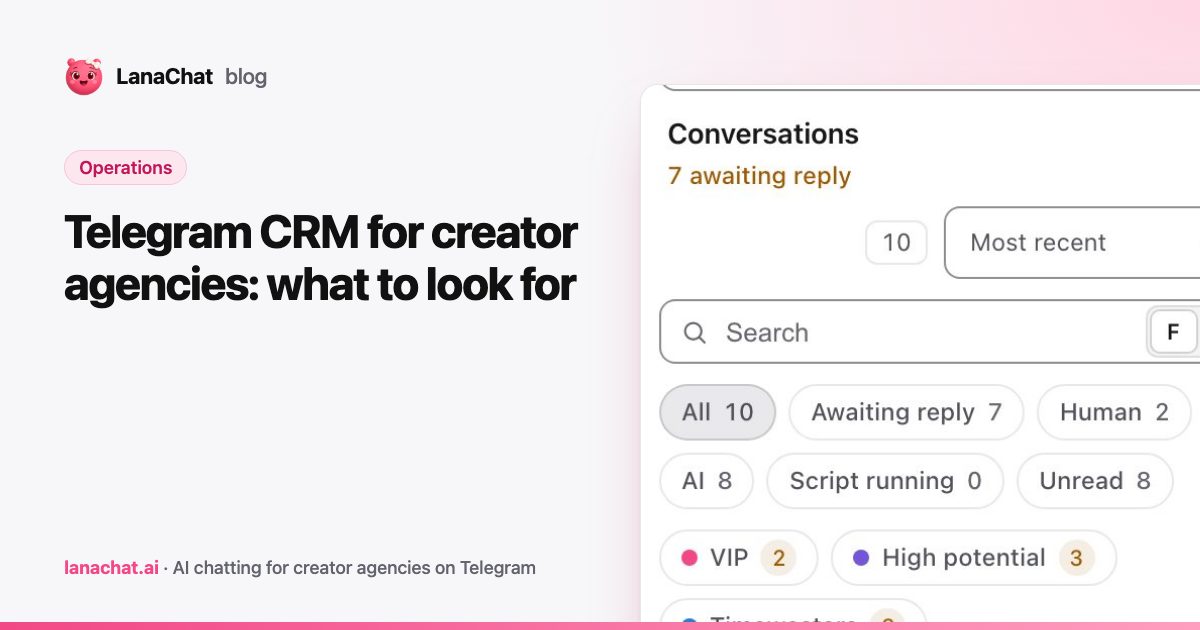
A Telegram CRM for a creator agency is the place where your team reads every fan conversation, sees what each fan spent, and knows who to write to next. A good one also controls who on your team can see what, and shows what the AI said. Use the checklist below on any tool you evaluate, ours included.
What is a Telegram CRM, exactly?
A normal CRM tracks leads and deals. A Telegram CRM for agencies tracks fans and conversations. The unit of work is a chat, and the money arrives inside it.
That changes the requirements. Chatters work in shifts. Fans write in many languages. One creator may have several Telegram accounts. And the person reading the chat needs the fan's history at a glance, not in another tab.
If a tool is a spreadsheet plus a shared inbox, you will outgrow it quickly.
What should a fan profile show?
Open one conversation and check what sits next to it. You want to answer "who is this and what does he want" in seconds.
- Total spent and the date of the last purchase.
- Language.
- Lists he belongs to, such as VIPs or fans to win back.
- Notes and tags from your team.
- What was learned in conversation, such as first name, city, interests.
- Status: is the AI active, paused, or stopped for a reason?
In LanaChat, Live Convs shows the list of conversations on the left, the chat in the middle and the fan's details on the right. Notes and tags are saved as you type and only your team sees them. The Live Convs page shows the layout.
How should lists and segments work?
Lists are how you stop treating every fan the same. Ask these questions.
- Can you add fans by hand?
- Can a list fill itself from a rule, for example total spent above an amount?
- What happens when a fan stops matching: removed or kept?
- Can you use a list as the audience of a mass message?
In LanaChat, you can do all four. Fans added by hand are never removed by the rules, and deleting a list never deletes fans or conversations. The fans guide has the details.
Does it handle languages?
Fans do not write in your team's language. Check that the tool translates the fan's messages into yours and sends your reply in his. A chatter who cannot read the message cannot sell.
LanaChat has auto-translate in Live Convs: his message in your language, his original text under it, and your reply sent in his language.
How do roles and access work?
Agencies have owners, managers, chatters and sometimes outside partners. A CRM that gives everyone the same view is a risk.
Check for:
- Roles you can edit, not just a fixed list.
- One-off exceptions for one person.
- Creator-level access, so a chatter sees only the creators assigned to them.
- Branches or groups, for a city, a shift or a brand.
- Fast removal of a person who leaves.
- Pricing per seat. Per-seat fees punish you for growing the team.
LanaChat has roles with a permission table, custom roles, overrides per member, branches and a switch to disable a member at once. Each teammate signs in with their own access key. There is no per-seat fee: you pay per Telegram account and a commission on sales. See Team and roles.
What about traffic share between chatters?
If several chatters work on the same creator, fairness matters, and so do payouts. Ask whether the tool can split incoming conversations between people, and whether you can set each person's share. LanaChat has a traffic share setting for this. If you do not split traffic, the fastest chatter simply takes everything.
Can you audit what the AI said?
This is the question most buyers forget. If the tool has an AI, you must be able to:
- Read every message it sent, labelled as AI, script or a named teammate.
- Pause it for one fan and take over, then hand the chat back.
- See why it stopped on a fan, if it did.
- Test it before it goes live.
- Set its limits and prices, so it cannot invent a discount.
In LanaChat, each bubble shows who sent it. Take over manually pauses the AI for that fan. A status tag explains why the AI is off, for example for a fan who appears underage or one who asked to stop. The Playground lets you test without sending anything to Telegram.
Does it connect to your other tools?
A CRM that cannot talk to your stack becomes a silo. Ask for an API and ask what it covers. LanaChat has a REST API for creators, accounts, Vault, scripts, conversations, tracking and billing, plus an MCP server so an AI assistant can work in your workspace with the access you give it. Check any tool for export too, so your data is never locked in.
What should you ask any vendor?
- Do you ask for my creators' passwords or login codes? (You should not be asked.)
- How is pricing built, and what is taken from net sales?
- What happens when my balance runs out?
- Who can see conversation content on your side?
- Can I leave and keep my data?
For LanaChat: no phone, password or login code is ever asked. You connect each account with its @username and the token of its bot. Pricing is $19 per account per month plus a commission on net sales. When the prepaid balance runs out, the AI pauses.
When is a Telegram CRM not what you need?
If you have one creator and one chatter, a good inbox and a shared note may be enough. If your fans live on another platform, a Telegram tool will not help. And if you do not want AI in the loop at all, pick a plain inbox without it. LanaChat is in private beta, so you cannot start today: follow our Telegram channel for each onboarding wave and how to apply.
FAQ
What is a Telegram CRM for creator agencies?
It is software where your team reads fan conversations, sees spend and notes next to each chat, manages lists and roles, and works across several Telegram accounts.
What should I check first in a chatting agency software?
Check three things first: the fan profile next to each chat, role-based access, and a way to audit and control any AI that replies in your creators' names.
Is per-seat pricing normal?
Many tools charge per seat. LanaChat does not: you pay per Telegram account and a commission on net sales, so adding teammates costs nothing extra.
Can I plug a CRM into my own tools?
It depends on the tool. Ask for an API and for export. LanaChat offers a REST API and an MCP server.