
Telegram
Telegram Business chatbot: how an AI answers for you
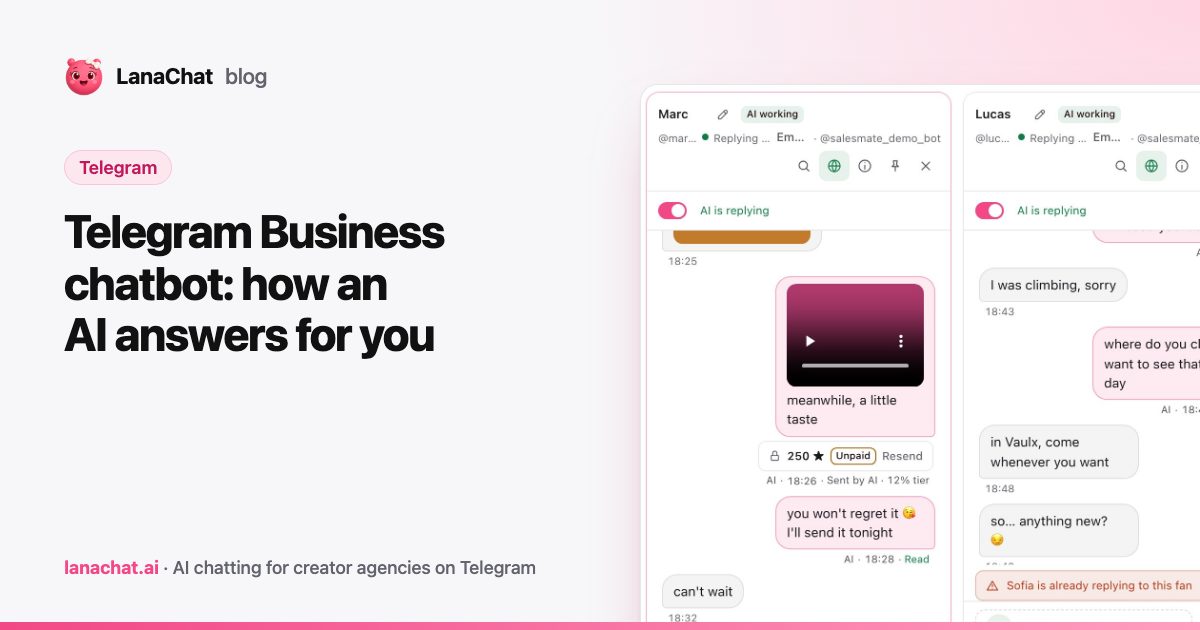
A Telegram Business chatbot is a bot that Telegram lets you attach to a regular account, so the bot can read and answer that account's private chats. The account owner stays the owner. The bot only gets the permissions you tick, and you can remove it at any time.
LanaChat uses exactly this mechanism to answer fans for creators. This article explains what the connection is, what you set up, what it can and cannot do, and why it is a safer way to automate than handing over a login.
What is a Telegram Business chatbot, in plain words?
Telegram has a feature in its Business settings called Chat Automation. It lets you pick a bot and let it handle chats on your behalf. Think of it as a secretary: it sits next to the account, reads the private conversations you allow, and replies in them.
The key point is that the bot is a separate identity from the account. It has its own token, created through BotFather, Telegram's official bot for making bots. The account does not give the bot a password. It gives the bot a set of rights.
In LanaChat this link between an account and its bot is called a business connection.
Why not just log in to the account?
Some tools automate an account by logging into it, with the phone number and a login code. That puts the whole account in someone else's hands. If the tool is breached, or the agency changes, the creator's account is exposed.
A business chatbot works the other way around:
- No password, no phone number and no login code are shared.
- The bot has limited rights, listed in Telegram's own screen.
- The creator can remove the bot from her account in one tap.
- The messages are sent through the bot, so the personal login is never in play.
For an agency this changes the conversation with a creator. You can show her exactly what the bot is allowed to do, in Telegram, on her phone.
What do you need to set up?
You need three things: a bot, its token, and access to the Telegram account to connect. Then the setup follows the assistant in Studio > Telegram Accounts. The full steps are in the connect Telegram guide. The short version:
- Create the bot. In BotFather, send `/newbot`, give it a name and a username ending in "bot".
- Turn on Secretary Mode. This is BotFather's name for Business Mode. Without it, the bot cannot be added to a Telegram account.
- Paste the token. BotFather sends it to you. LanaChat checks it and never shows it again.
- Connect in Telegram. On the account, open Settings, Telegram Business, Chat Automation, add the bot and keep all private chats except the ones you exclude.
- Set the permissions. Manage Messages is required: without it, LanaChat cannot reply. Manage Profile, Manage Gifts and Stars and Manage Stories are optional.
Inside the Gifts and Stars permission, leave the transfer options off unless you want LanaChat to move money. Most agencies never need that.
The window then waits for Telegram and switches to "Connected as @username" on its own.
What can the bot do once connected?
With the required permission, the bot can read and answer the private chats you allowed. LanaChat's AI uses that to reply in the creator's voice and language, send paid media and follow up. You can read about that on the AI Brain page.
Some limits come from Telegram itself, not from LanaChat. One of them is worth knowing: Telegram reminds you that the bot can only reply in chats that were active during the last 24 hours. If a conversation has been silent for longer, the bot may not be able to write first. Live Convs warns you when a reply window is closing or closed.
What can go wrong?
Most problems show up as a status on the account row, with the reason written under it:
- Waiting for Telegram: Telegram has not confirmed the connection yet. Check that the bot is added, then send the account a message from another Telegram account. The first message wakes the connection.
- Connection issue, reply permission is off: go back to Chat Automation and turn on Manage Messages with Reply to Messages.
- Bot stopped, webhook not reachable: press Reconnect.
- Paused: someone paused the AI on that account. Use Resume AI replies.
You can finish a half-done setup later. Finish later keeps the row as Waiting for Telegram, and Finish connecting in the row's menu brings the last step back.
Can one bot serve several accounts?
By default every account gets a bot of its own. A bot can also be shared by several accounts of the same creator, but then the Stars of those accounts land on the same bot balance. If you want earnings kept apart per account, keep one bot per account.
If you run many accounts, read our piece on managing multiple Telegram accounts, and see how the Accounts feature shows permissions on each row.
When is a business chatbot not enough?
Be realistic. A chatbot answers conversations, it does not make fans arrive. You still need traffic. It also works inside the limits Telegram sets, so you do not get features Telegram does not offer to bots on Business accounts.
And automation is not a reason to stop reading conversations. A person on your team should be able to see what the bot said and take over when a fan needs a human. LanaChat keeps every conversation readable and lets your team take over in one click.
LanaChat is in private beta. We announce each onboarding wave in our Telegram channel.
FAQ
Do I need the creator's password to use a Telegram Business chatbot?
No. The bot connects through Telegram's own business connection. LanaChat never asks for a phone number, a password or a login code.
What does Secretary Mode do?
It is BotFather's new name for Business Mode. It must be turned on for the bot, otherwise Telegram will not let you add the bot to an account's Chat Automation.
Does removing the bot delete the account?
No. Removing an account in LanaChat keeps the bot, the fans and the history. It does not delete the Telegram account, and removed accounts can be restored.
Can the bot see all of the account's chats?
Only the chats you allow in Chat Automation. The default LanaChat setup keeps "All Private Chats Except", and you can exclude the ones you want the bot to stay out of.